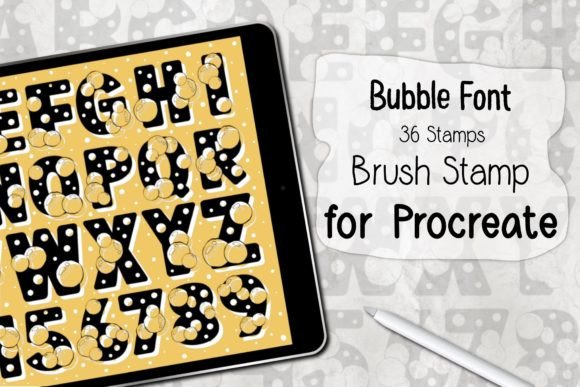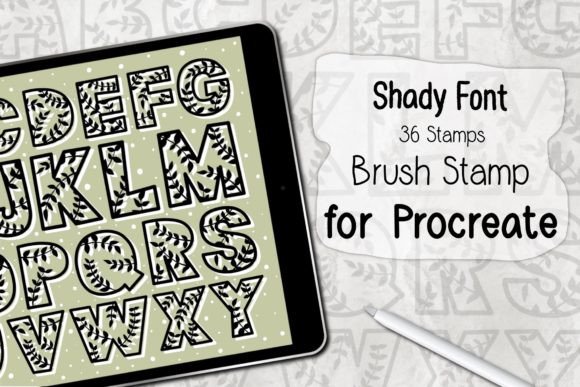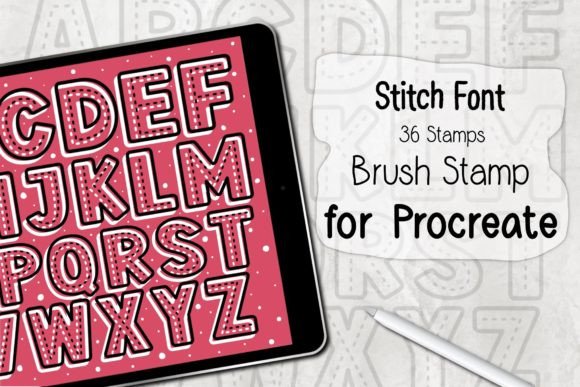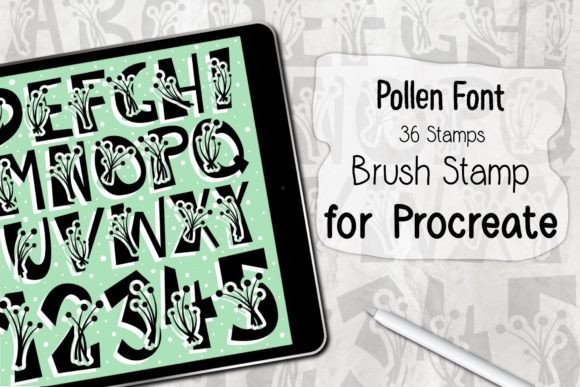
Flowers Bloom Font Procreate Stamp Guide
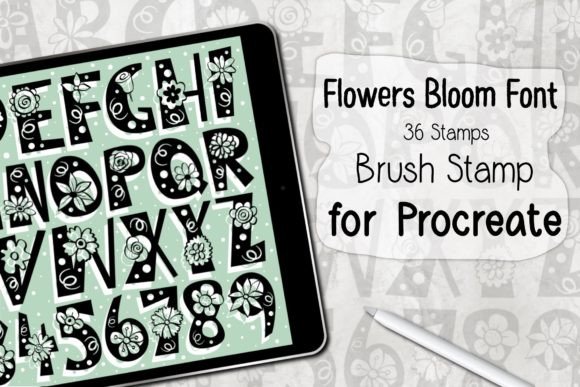
Digital illustration often demands a delicate balance between precision and organic flow. For creators working in Procreate, the pressure to produce intricate floral designs can sometimes slow down the creative momentum. This is where specialized tools become essential. The Flowers Bloom Font Procreate Stamp offers a streamlined solution for artists who want to incorporate detailed botanical elements into their work without spending hours drawing each petal by hand. By integrating typography with illustrative stamps, this toolset bridges the gap between lettering and decoration, allowing for a seamless design process that feels both professional and intuitively artistic.
The core appeal of this brush set lies in its efficiency. It is not merely a collection of clip-art style images; it is a dynamic resource designed to interact with the Apple Pencil’s pressure sensitivity. When you understand how to leverage these 36 unique stamps, you unlock a faster workflow that preserves the handcrafted feel of your artwork. Whether you are designing wedding invitations, creating social media graphics, or developing surface patterns for textiles, having immediate access to high-quality floral elements can transform a blank canvas into a vibrant composition in minutes.
Understanding the Creative Potential
At first glance, a stamp brush might seem like a shortcut, but in the hands of a skilled designer, it is a building block for complex compositions. The Flowers Bloom Font Procreate Stamp includes 36 distinct variations, ranging from delicate buds to full blossoms. This variety is crucial because nature is rarely uniform. By mixing different stages of bloom and varying flower types, you can create arrangements that look natural and curated rather than repetitive and mechanical.
One of the most interesting aspects of this tool is its dual nature as both a font-style element and a decorative stamp. This allows for interesting typographic experiments. Imagine creating a word where the letters are formed entirely out of interconnected blooms, or using the flowers to accentuate specific keywords in a quote. The stamps are designed to be easily layered, meaning you can build depth by placing smaller buds behind larger flowers, adding shadows, and adjusting opacity to create a sense of three-dimensional space on a two-dimensional screen.
For pattern designers, this set is particularly valuable. Creating seamless repeats manually is a time-intensive task that requires precise mathematical alignment. With these stamps, you can rapidly prototype pattern ideas. You can scatter the flowers across the canvas, rotate them to different angles, and adjust their sizes to find a rhythm that pleases the eye. Once a satisfying arrangement is found, it can be refined into a repeatable tile. This accelerates the ideation phase, allowing you to test multiple colorways and layouts in the time it would usually take to draft just one.
Practical Applications for Different Creators
The versatility of the Flowers Bloom Font Procreate Stamp means it serves a wide range of creative professionals. Here is how different users can adapt this tool to meet their specific goals:
- Graphic Designers and Marketers: Use the stamps to create eye-catching headers for blog posts, email newsletters, or digital advertisements. Floral elements add a touch of elegance and warmth that can soften corporate messaging or highlight seasonal promotions.
- Wedding and Event Stationers: Speed up the creation of invitation suites, save-the-dates, and menu cards. The ability to quickly generate consistent floral borders or corner accents ensures a cohesive look across all printed materials while significantly reducing production time.
- Surface Pattern Designers: As mentioned, the rapid prototyping capability is ideal for textile and wallpaper design. You can experiment with dense, cottage-core styles or sparse, minimalist arrangements to see what resonates with current market trends.
- Educators and Hobbyists: For those teaching digital art or learning Procreate, these stamps provide an excellent way to study composition. Students can focus on color theory and layout without getting bogged down in the technical difficulties of drawing complex botanical structures from scratch.
Entrepreneurs and small business owners who manage their own branding can also benefit. Consistency is key in brand identity. By establishing a standard set of floral motifs using this brush set, you can ensure that your Instagram posts, packaging designs, and website banners all share a recognizable visual language. This consistency builds brand recognition and trust with your audience.
Techniques for Natural and Original Results
To avoid the "stamped" look that can sometimes make digital art feel generic, it is important to apply certain techniques that introduce variation and organic imperfection. The Flowers Bloom Font Procreate Stamp is compatible with Apple Pencil pressure, which is your primary tool for achieving realism.
Vary Pressure and Size: Do not use every stamp at full opacity and maximum size. Lighten your touch to create fainter, more delicate impressions that can serve as background elements. Rotate the stamps frequently. Nature does not grow in straight lines; flowers tilt, turn, and face different directions. By rotating each stamp randomly, you break up any grid-like patterns that might emerge.
Layering and Depth: Create depth by layering colors. Start with a base layer of muted tones for the background flowers, then add brighter, more saturated blooms on top. Use the eraser tool with a soft brush to gently remove parts of the stamps, allowing them to blend into one another or appear as if they are tucked behind leaves. This technique mimics the way light and shadow play in a real garden.
Custom Color Palettes: While the stamps come with default settings, the true power lies in recoloring them. Use Procreate’s Hue, Saturation, and Brightness adjustments to shift the flowers into unexpected color schemes. Try monochromatic palettes for a sophisticated look, or complementary colors for high-impact visuals. Saving these custom palettes ensures that your future projects maintain a consistent aesthetic.
Installation and Technical Requirements
Getting started with this tool is straightforward, provided you have the necessary hardware and software. The Flowers Bloom Font Procreate Stamp is distributed as a ZIP file containing a single .brushset file. To ensure smooth performance, your device must meet the following requirements:
- An iPad Pro or standard iPad capable of running recent iOS versions.
- An Apple Pencil or a compatible, pressure-sensitive stylus. Pressure sensitivity is key to controlling the opacity and size of the stamps dynamically.
- Procreate Version 5.0 or higher. Older versions may not support the latest brush engine features utilized by this set.
The installation process is designed to be user-friendly. After downloading the ZIP file, simply unzip it to reveal the .brushset file. On your iPad, choose the "Open In Procreate" option. The application will automatically install the brushes, and they will appear in your Brush Library. It is recommended to create a new folder within your library specifically for these stamps to keep your workspace organized. This makes it easier to locate the tools when you are in the flow of creation.
It is important to note that these brushes are exclusive to the Procreate ecosystem. They will not function in other illustration apps like Photoshop or Clip Studio Paint. This specialization allows the developer to optimize the brushes specifically for Procreate’s interface and gesture controls, ensuring a stable and responsive experience.
Maximizing Your Workflow Efficiency
The ultimate goal of using the Flowers Bloom Font Procreate Stamp is to save time without sacrificing quality. By automating the repetitive task of drawing individual flowers, you free up mental energy to focus on composition, color harmony, and storytelling. This shift in focus can elevate the overall quality of your work. Instead of worrying about the curvature of a single petal, you can consider how the floral arrangement guides the viewer’s eye across the page.
Remember that digital tools are meant to assist, not replace, your creative vision. Use these stamps as a foundation. Add hand-drawn stems, leaves, or texture overlays to personalize the final piece. The combination of pre-made stamps and custom touches results in artwork that is both efficient to produce and unique in character. Embrace the flexibility of the digital medium, experiment with blending modes, and let the Flowers Bloom Font Procreate Stamp inspire your next creative project.